Sell Your Laptop in NYC: Value, What to Bring, How You're Paid
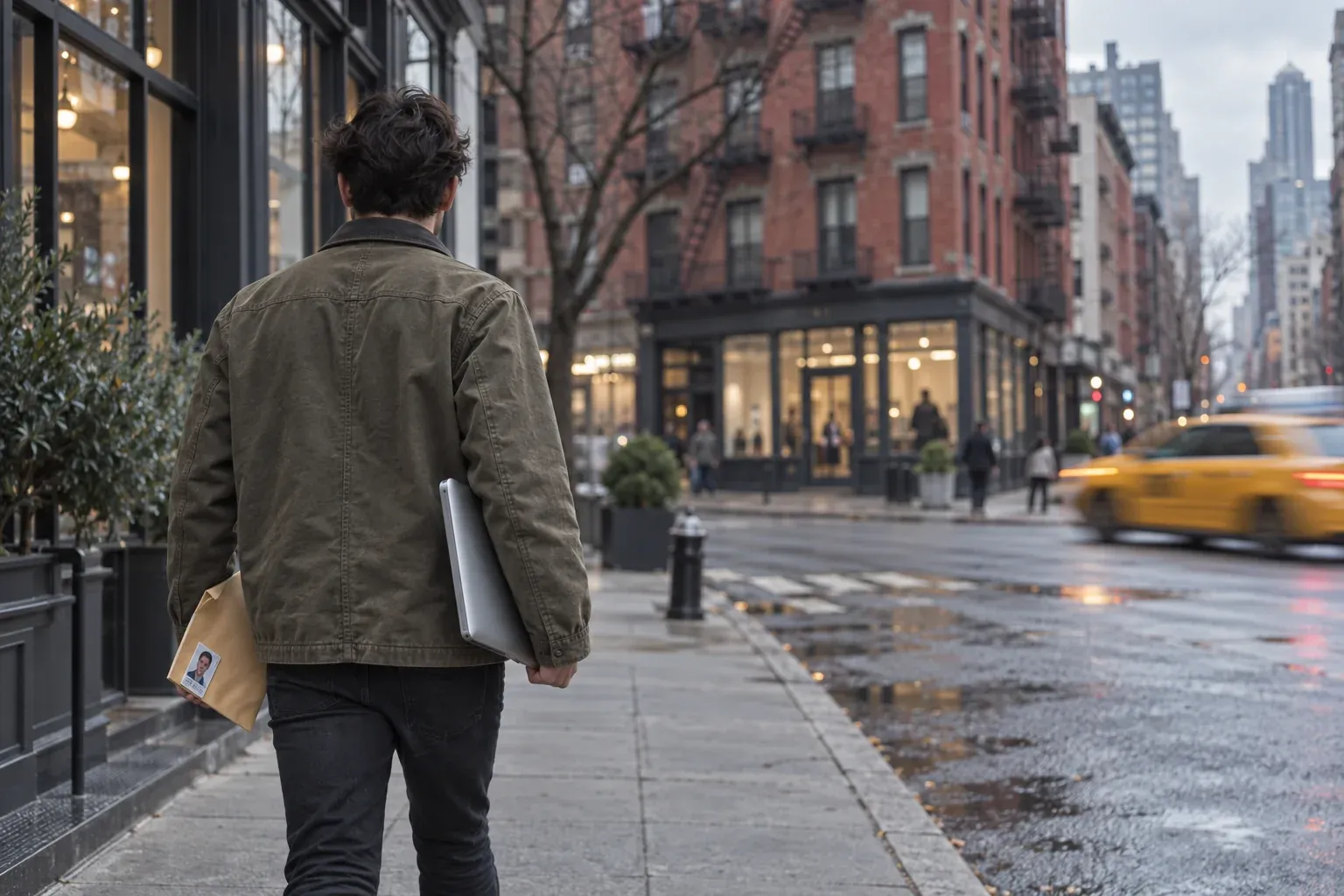
To sell a laptop in NYC for cash, get a price from the quote tool on our sell my laptop in NYC page. Then bring the laptop and a photo ID to 130 West 26th St in Chelsea. You don’t need an appointment. Selling one item takes about 20 minutes, and walk-in sales are paid in cash on the spot. The price comes from the quote tool, based on your exact model and condition.
What your laptop is worth
The quote depends on things you can check yourself before you start:
- Model and year. Find the exact model first. On a Mac, open About This Mac. On Windows, check the label on the bottom or the system information screen. Newer models generally hold more value than older ones.
- Processor, memory and storage. Two laptops that look the same can be quoted differently if one has more memory or a bigger drive.
- Screen. Cracks, pressure marks, dead pixels and coating wear all count against the price.
- Battery health. Batteries wear with use, and a battery that holds little charge counts against the price.
- Keyboard, trackpad and ports. Sticky keys, a dead port or a trackpad that doesn’t click all count.
- Cosmetic condition. Dents, deep scratches and bent corners matter more than light scuffs.
- Charger. Bring it if you still have it.
Answer the quote tool honestly. A quote built on an accurate description is one that reflects the laptop you actually bring to the counter.
What a walk-in sale looks like
Selling one item in the store takes about 20 minutes. Here is the whole sale, start to finish:
- At home, run your laptop through the quote tool and note the result.
- Back up your files and sign the laptop out of your accounts (steps below).
- Come in on any open day. Walk-ins need no appointment.
- Show a photo ID. One is required for every sale.
- You’re paid in cash on the spot.
The only document you need is your ID. Leave the box at home if you no longer have it; bring the charger if you do.
Before you come in: back up and sign out
Do these steps at home, where you have your phone and your two-factor codes. A laptop still tied to your account can’t be set up by its next owner.
If it’s a Mac
- Back up with Time Machine, or copy your files to an external drive or cloud storage.
- Turn off Find My Mac and sign out of your Apple ID. This removes Activation Lock on Macs that support it.
- Sign out of iMessage and any other apps tied to your account.
- Erase the Mac once your backup is done.
If it’s a Windows laptop
- Back up your files to a drive or cloud storage.
- If the drive is encrypted with BitLocker, save your recovery key, then sign out of your Microsoft account.
- Remove the laptop from your Microsoft account’s device list.
- Reset the PC from Settings once your files are safe.
A password written on a sticky note is not a substitute for signing out.
Selling 5 or more items: the drop-off option
If you’re clearing out an office or a closet, selling 5 or more items may be handled as a drop-off rather than a walk-in sale. For up to 6 items, we wipe, test and quote within 2 business days. Drop-off sales can be paid by Venmo or PayPal, or in cash when you come back to pick up. Call ahead if you plan to bring a batch.
Why sell to a walk-in buyer
There are several ways to sell a laptop, and each asks something different of you:
- Online marketplaces put the listing, the messages and the meetup on you.
- Mail-in buyback services mean shipping the laptop and waiting for it to be inspected before you’re paid.
- Retailer and manufacturer trade-ins are generally built around credit toward a new purchase. Check the terms of any program you’re considering.
- Pawn shops may offer a loan against the laptop rather than buying it outright. Read what you sign.
A walk-in sale here asks for a quote, a photo ID and about 20 minutes. You don’t book an appointment, you don’t ship anything, and you’re paid in cash on the spot.
Computer Overhauls has been in business since 2002. We hold an A+ rating from the Better Business Bureau, though we are not BBB-accredited. Our Google reviews average 4.8 stars across 738 reviews, and our Yelp reviews average 4.6 stars across 202 reviews.
Selling a laptop with other electronics
If the laptop isn’t the only thing in the drawer, sell it all in one trip. We buy Macs, PCs, iPhone, iPad, cameras and lenses, Apple Watch, Cisco equipment and other electronics. The sell electronics in NYC page covers those categories, and our guide to selling electronics for cash in NYC covers preparing and selling those devices in more detail.
When and where to come in
The store is at 130 West 26th St, New York, NY 10001, in Chelsea at 26th St and 7th Ave.
- Monday, Tuesday, Wednesday and Friday: 12:00 to 7:30 pm
- Saturday: 12:00 to 4:30 pm
- Closed Thursday and Sunday
If you have a question first, call 212-216-9711 or email contact@computeroverhauls.com.
FAQ
What do you do with old computers that you don’t want anymore?
Check whether they still have resale value before anything else. Run each one through the quote tool, then back it up, sign out of your accounts and bring it in with a photo ID. If a machine has no resale value, take it to an electronics recycler, and erase or remove the drive first.
What is the best place to sell my laptop?
If you want cash the same day without shipping the laptop or meeting a stranger, a walk-in buyer is the most direct option. Walk-in sales here are paid in cash on the spot, and one item takes about 20 minutes. Get your quote online first so you know the number before you come in.
Will Best Buy buy my laptop?
Best Buy runs a trade-in program, so check its current terms and eligible models with Best Buy directly. As a general rule, retail trade-ins are credit-based: you get store credit or a gift card toward a purchase rather than cash. If you want cash, walk-in sales at Computer Overhauls are paid in cash on the spot.
Are old laptops worth selling?
It depends on the model, its condition and the battery. A laptop that powers on, has a working screen and comes with its charger is easier to price than one that doesn’t. The quote tool is the way to find out what yours is worth.
How do I sell used laptops?
Get a quote online, back up your files, sign out of your Apple ID or Microsoft account, and bring the laptop with a photo ID. No appointment is needed. You’re paid in cash before you leave.
Can I sell laptops in bulk?
Yes. Selling 5 or more items may be handled as a drop-off, and we wipe, test and quote up to 6 items within 2 business days. Drop-off sales are paid by Venmo or PayPal, or in cash when you pick up. Fewer items than that, just walk in.
Where to sell used laptops?
Sell to a buyer that looks the laptop over and checks who is selling it. We require a photo ID for every sale. In Manhattan, the store is in Chelsea at 26th St and 7th Ave.
Where to sell laptops?
It depends on what you want back. A marketplace listing suits you if you have time for messages and meetups. A trade-in suits you if you’re buying from the same retailer and are happy with credit. A walk-in buyer suits you if you want cash on the spot.
Where to sell an old laptop?
The same place you’d sell a newer one. Find the exact model first, from About This Mac or the label on a Windows laptop, and run it through the quote tool. If it gets a quote, bring it in with your ID and the charger.
Where can I sell my laptop near me?
If you’re in Manhattan or can get there, the store is at 130 West 26th St in Chelsea, near 7th Ave. Opening hours are listed in the when-and-where section above. Call 212-216-9711 to check anything before you come in.
Do you buy Windows laptops as well as MacBooks?
Yes. We buy Macs and PCs, so Windows laptops are bought alongside MacBooks. Run either one through the quote tool for a price.