Sell an Old MacBook in NYC: What It's Worth and How You're Paid
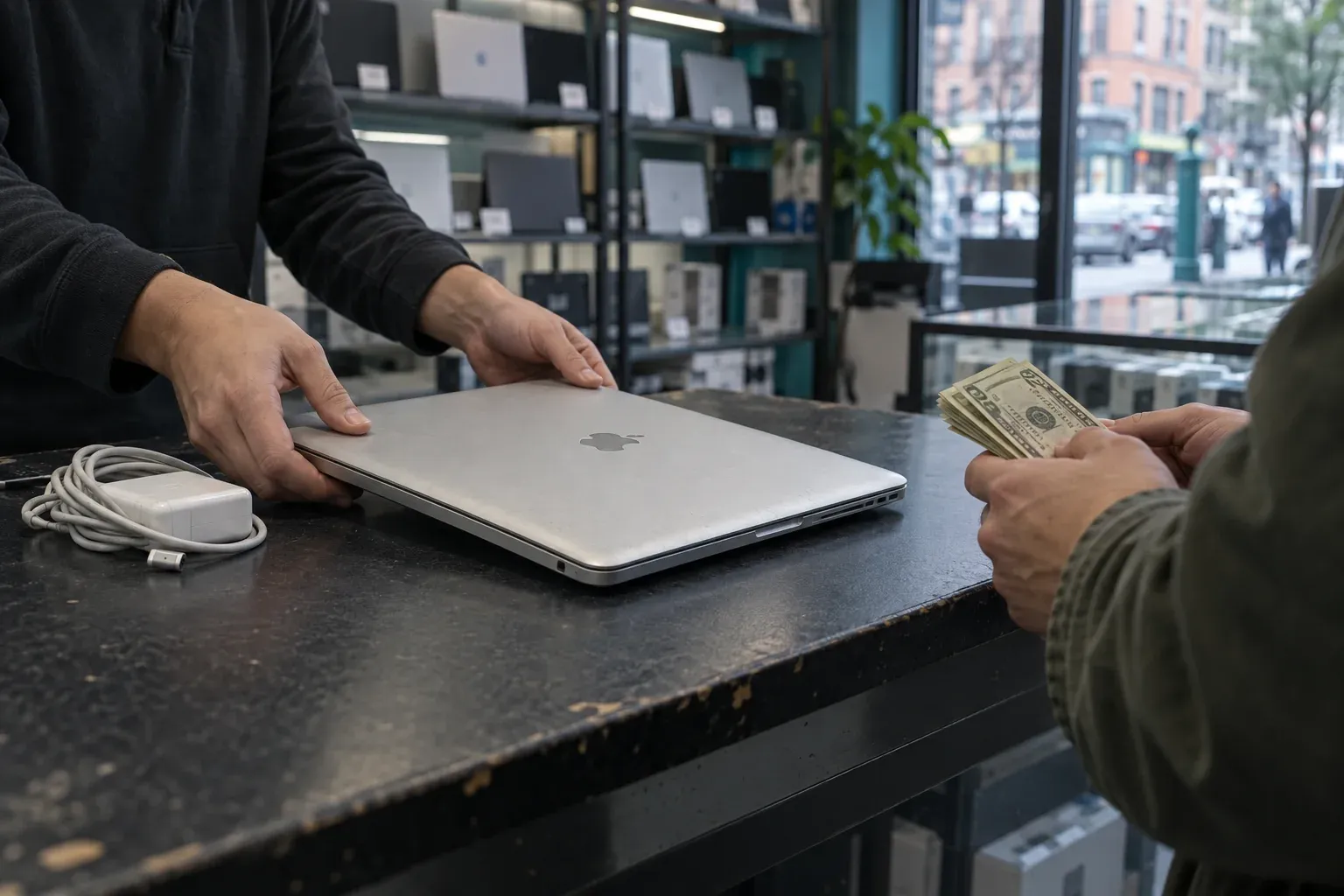
To sell an old MacBook in New York City for cash, get a quote on our MacBook sell page, then bring the machine and a photo ID to Computer Overhauls in Chelsea. Walk-ins need no appointment, and selling one item in the store takes about 20 minutes. Walk-in sales are paid in cash on the spot, once the MacBook has been checked and you have accepted the offer.
What decides what an old MacBook is worth
Age alone doesn’t make a MacBook worthless. Its value comes from a handful of things you can check yourself in a few minutes:
- Model and year. Open the Apple menu and choose About This Mac. Note the model name and year exactly as shown.
- Chip. Macs with Apple silicon generally fetch more than older Intel models, but an Intel MacBook in good shape can still have value.
- Memory and storage. More of each usually means a higher figure.
- Physical condition. Screen marks, dents, worn keys and missing rubber feet all count.
- Battery health. A battery that reports it needs service lowers the value, because it will need replacing.
- Activation Lock. A Mac still tied to an Apple ID can’t be set up by anyone else. This one issue matters more than any dent.
No article can give you an honest price. Two MacBooks with the same name can differ a lot once chip, storage and condition are counted. Pricing comes from the quote tool, so describe your machine as it actually is. Treat the online figure as a guide: it can change once the MacBook is checked in the store if its condition differs from what you entered.
Get a quote before you come in
Keep the About This Mac window open while you fill in the quote tool, so you copy the model, chip, memory and storage instead of guessing. Be plain about faults: a sticky key, a dim patch on the screen, a battery warning. An accurate description saves you a surprise at the counter.
If the MacBook won’t start, choose the condition that matches the fault and add what you know about it, such as the screen size or roughly when you bought it. If you’re unsure which option fits, call before you come in.
Selling an iMac, Mac mini or another Mac instead? Start on the sell my Mac page.
Prepare the MacBook at home
Do this where you have your passwords and some time.
- Back up anything you want to keep, with Time Machine or by copying files to an external drive or cloud storage.
- Sign out of iCloud and turn off Find My. This is what removes Activation Lock.
- Sign out of Messages and FaceTime.
- Erase the Mac. On recent versions of macOS, Erase All Content and Settings in System Settings signs you out and wipes the Mac in one step. On older Macs, sign out first, then erase the drive from macOS Recovery.
If the MacBook is dead and you can’t sign out on the machine itself, you can usually remove it from your account by signing in at iCloud.com from any browser and removing the device in Find My. This matters wherever you sell, because a locked Mac can’t be reset and used by a new owner.
What to bring
- The MacBook.
- A photo ID. One is required for every sale.
- The charger, if you still have it. A laptop with its charger is complete and easier to test.
Walk-ins need no appointment, so you can come in during opening hours without booking. Hours are listed once, under Where to find us below.
How you’re paid
Walk-in sales are paid in cash on the spot. The MacBook is checked, you hear the offer, and if you accept it you’re paid at the counter. Selling one item in the store takes about 20 minutes.
Clearing out several laptops at once, from an office or a family? If you’re selling five or more items, the sale may be handled as a drop-off. You leave the devices, and for up to six items they are wiped, tested and quoted within two business days. Drop-off sales can be paid by Venmo or PayPal, or in cash when you pick up.
Why sell to a shop with a track record
Selling a laptop means handing over a machine that once held your files and accounts, so it’s reasonable to check who you’re dealing with. Computer Overhauls has been in business since 2002. Our Google reviews average 4.8 stars across 738 reviews, and Yelp shows 4.6 stars from 202 reviews. We hold an A+ rating from the Better Business Bureau, though we are not BBB-accredited. Our eBay seller account has 24,735 feedback ratings, 100% positive when last checked. The shop has been featured by The New York Times, USA Today, Gizmodo and Entrepreneur.
Other routes exist, and each suits someone. Mail-in buyers typically inspect a machine before confirming a price, so you ship first and settle later. Manufacturer trade-in programs tend to suit people who are buying a new device anyway. Selling privately can work, but you handle the listing, the messages and the meeting yourself. A walk-in sale keeps everything at one counter: photo ID, a check of the machine, an offer, and cash if you accept.
For more background, see our guide to selling a Mac in New York.
Where to find us
Computer Overhauls is at 130 West 26th St, New York, NY 10001, in Chelsea at 26th St and 7th Ave. Hours are 12:00 to 19:30 on Monday, Tuesday, Wednesday and Friday, and 12:00 to 16:30 on Saturday. The store is closed Thursday and Sunday. For questions before you come in, call 212-216-9711 or email contact@computeroverhauls.com.
FAQ
Where is the best place to sell my old MacBook?
It depends what you want from the sale. If you want cash without shipping the laptop or meeting a stranger, a walk-in buyer keeps it to one visit. You bring the Mac and a photo ID, and walk-in sales are paid in cash on the spot once you accept the offer. In Manhattan, Computer Overhauls is in Chelsea; see Where to find us above.
Is an old MacBook worth anything?
Often, yes. Value depends on model year, chip, memory, storage, condition, battery health and whether Activation Lock is off. Older Intel models generally fetch less than Apple silicon ones, but age alone doesn’t make a Mac worthless. The quote tool gives you a figure for your exact machine.
Can I get money for an old MacBook?
Yes. Get a quote, sign out of iCloud and turn off Find My, then bring the MacBook and a photo ID. Walk-in sales are paid in cash on the spot after the machine is checked and you accept the offer.
How can I sell my old MacBook for cash?
Get a quote online, back up and erase the Mac, then walk it in during opening hours. No appointment is needed, and selling one item in the store takes about 20 minutes. Walk-in sales are paid in cash on the spot.
Where can I sell an old laptop that isn’t a Mac?
PCs are on our buy list too, along with iPhones, iPads, cameras and lenses, Apple Watch, Cisco equipment and other electronics. Check the sell page for your device, or call 212-216-9711 to ask about a specific laptop.
Where can I sell a MacBook near me?
If you’re in New York City, the store is in Chelsea at 26th St and 7th Ave. The full address and opening hours are under Where to find us above.
Can I sell a MacBook for parts?
Condition affects the offer, and a MacBook that won’t start, has a cracked screen or has had liquid on it is worth less than one that works. Tell the quote tool on the MacBook sell page the true fault rather than picking a better condition. If none of the options fits, call 212-216-9711 and describe the problem before you come in. Either way, remove the Mac from your Apple account first if you can.
How do I sell an old laptop for cash?
Walk-in sales are paid in cash on the spot. If you’re selling five or more items, a drop-off may be easier. Up to six items are wiped, tested and quoted within two business days, and you can be paid by Venmo, PayPal or cash at pickup.
Can I sell my MacBook near me without an appointment?
Yes. Walk-ins need no appointment. Bring the MacBook, a photo ID and the charger if you have it.
Where can I sell my old laptop?
In Manhattan, you can sell it in person at Computer Overhauls in Chelsea. You can also use a mail-in buyer, a manufacturer trade-in program or a private listing, each with its own trade-offs. If you want cash without shipping the laptop, a walk-in sale keeps it to one visit.